
Installing VoiSona
Quick Start Guide2025/10/2 9:232026/9/5 16:27Installing VoiSona2025/11/3 8:252026/1/5 10:39Launching VoiSona2025/11/2 12:152026/7/1 13:55Signing In2025/11/2 12:152026/7/2 14:11Selecting a Voice Library2025/11/2 12:152026/9/5 9:20Editing the Score2025/11/2 12:152026/9/4 16:37Adjusting Parameters2025/11/2 12:152026/7/2 13:10Opening and Saving Files2025/11/2 12:152026/9/5 8:41Changing Preferences2025/11/2 12:152026/7/2 13:35Frequently Asked Questions2025/11/2 12:152026/7/2 13:56
To use VoiSona, first install the app.
For updates, proceed with the same steps as installation.
Please perform this while your PC is connected to the internet.
- Access the DOWNLOAD page and log in.
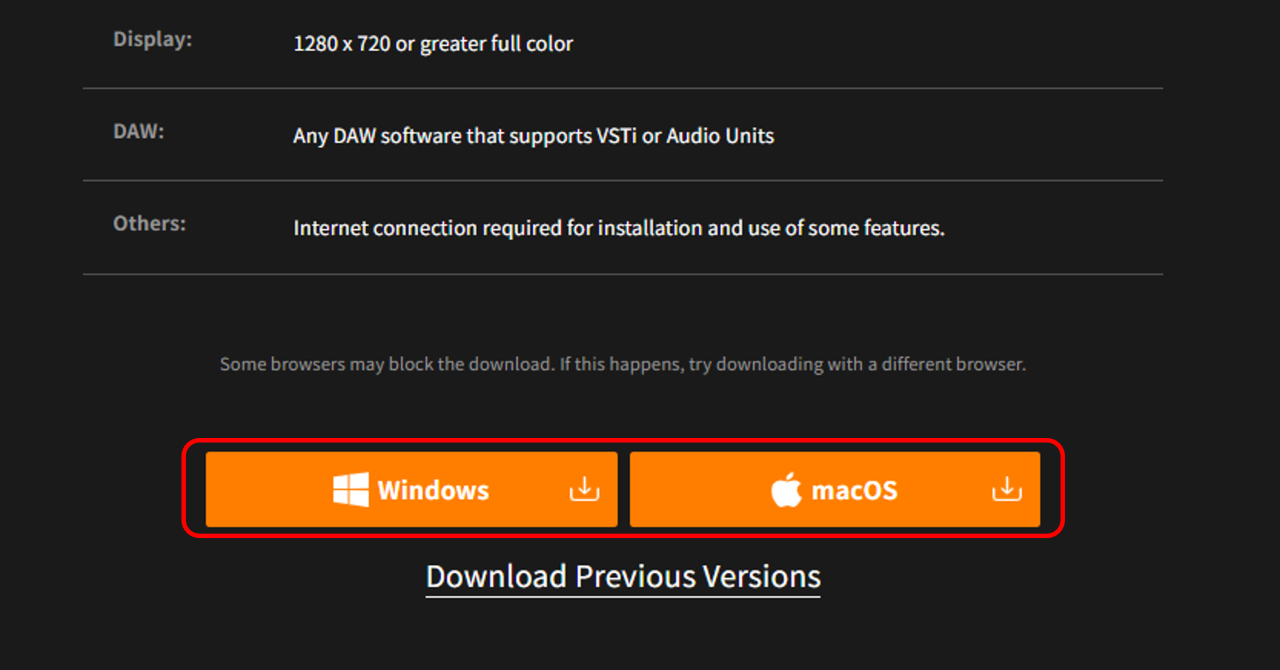
- Click either the "Windows" or "macOS" button. The installer for the latest version will be downloaded.
- Open the downloaded installer.
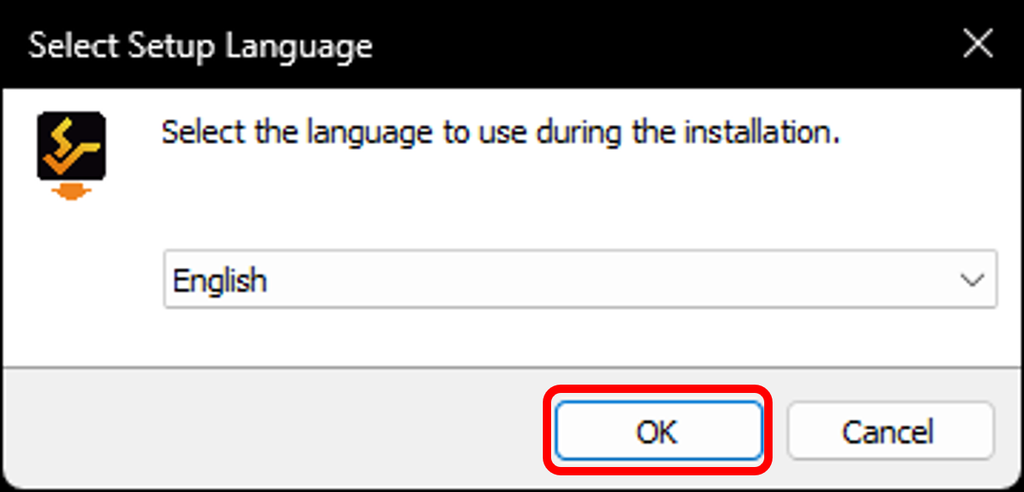
- Select the language to use during installation and click "OK".
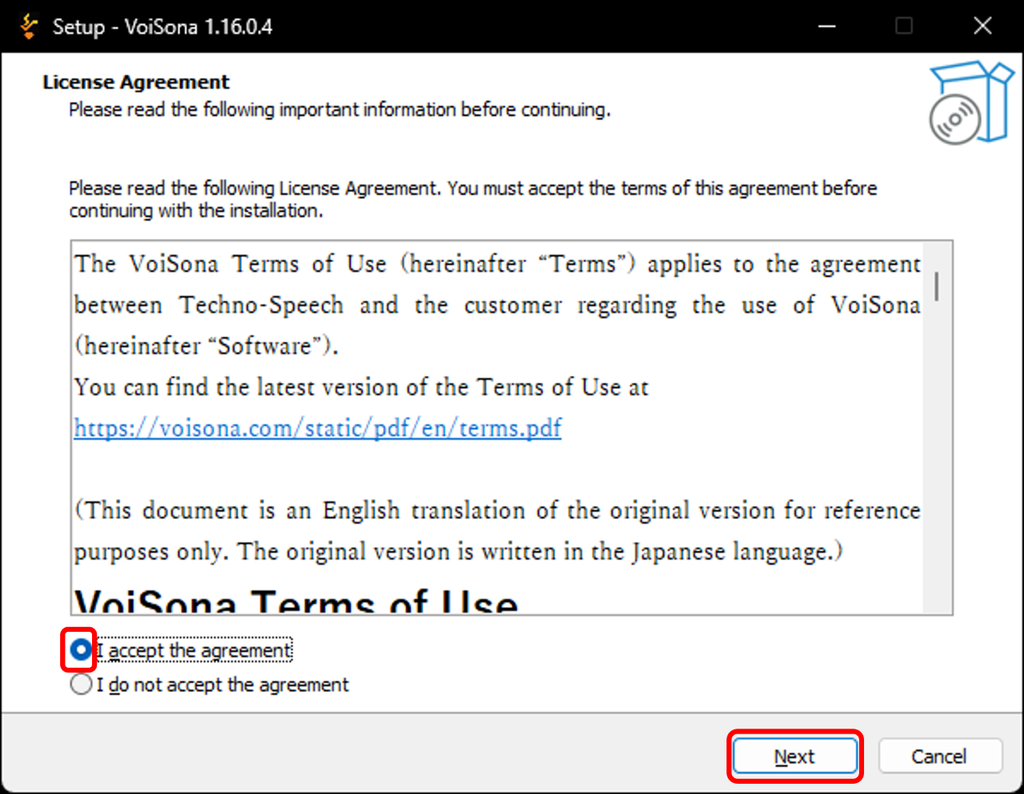
- Review the license agreement, and if you agree, check "Agree" and click "Next".
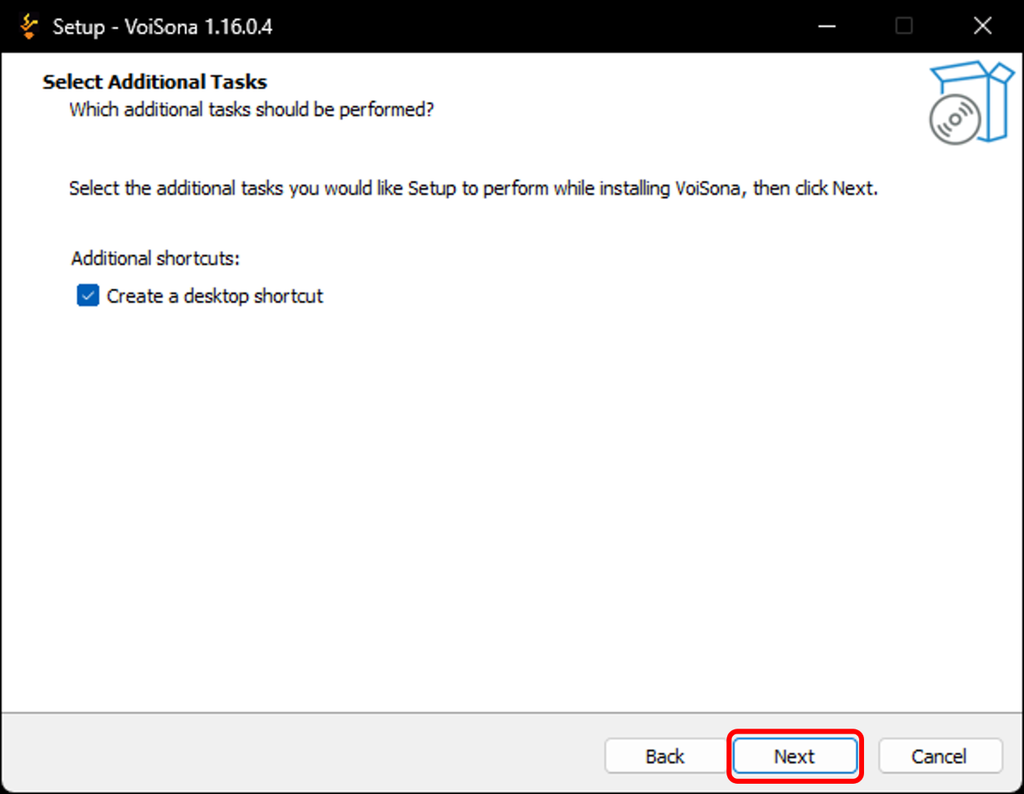
- If you want to create an icon on the desktop, check the box and click "Next".
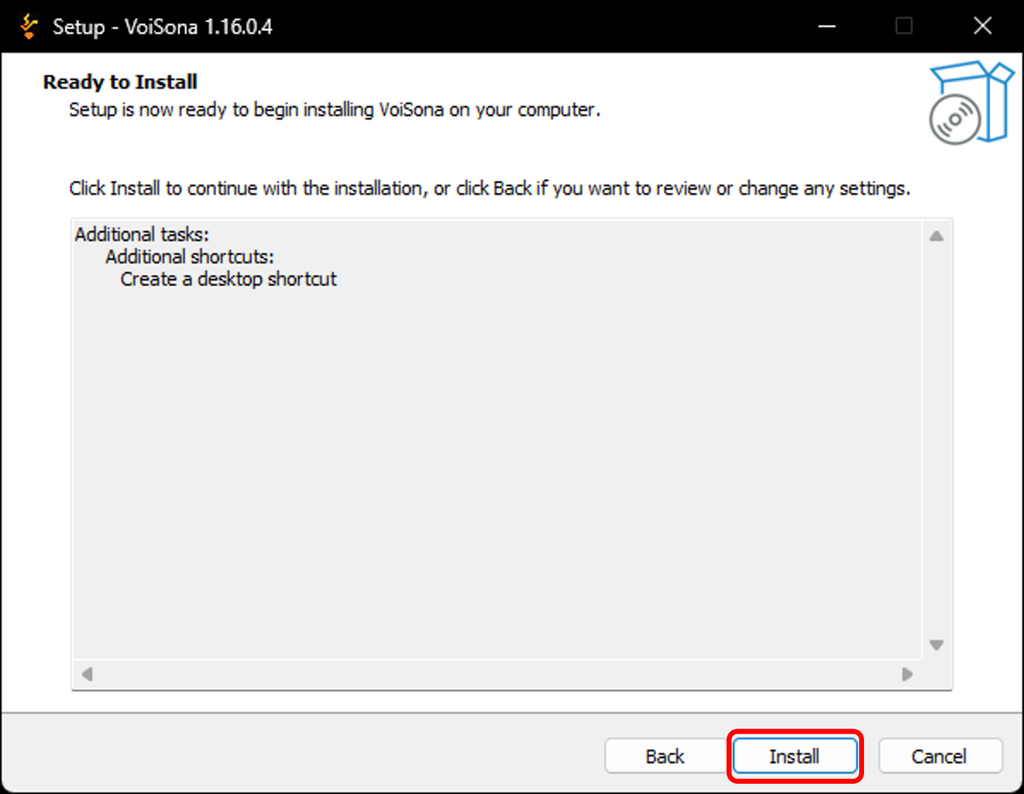
- Click "Install". Installation will begin.
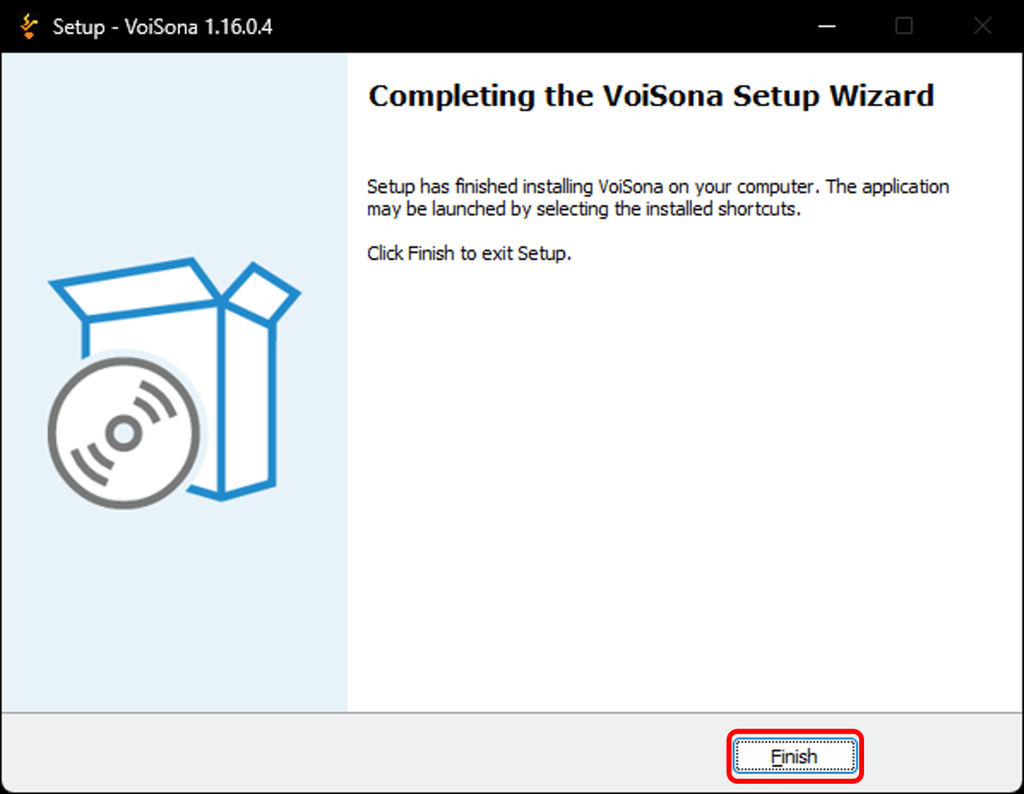
- When installation is complete, click "Finish".
Installation Folder
- Windows C:\Program Files\Techno-Speech
- macOS /Users/<User Name>/Library/Techno-Speech
Plugin Folder
- Windows C:\Program Files\Common Files\vst3\Techno-Speech
- macOS
- VST3 /Library/Audio/Plug-Ins/VST3/Techno-Speech
- Audio Units /Library/Audio/Plug-Ins/Components
ARA Plugin Folder
- Windows C:\Program Files\Common Files\ARA
- macOS /Library/Audio/Plug-Ins/ARA